This app was designed for the more experienced gym-rat. You don't need to micro-manage your sessions or be shown how to exercise, like the other apps do. Just customize your own workout routine, get into the zone, click Done when you're done each exercise. Then review your achievements & trends over time. Simple as that. This app also allows you to take progress selfies, timestamp body-weight, and make personal session notes. NO ads, premium benefits, monthly subscription fees, login, or data mining going on here.
Note: This is the earliest version of MuscleRep. Improvements and additional charts and progress analytics will be added in further versions. Mostly depending on customer feedback and ideas.
How this works and How to get started:
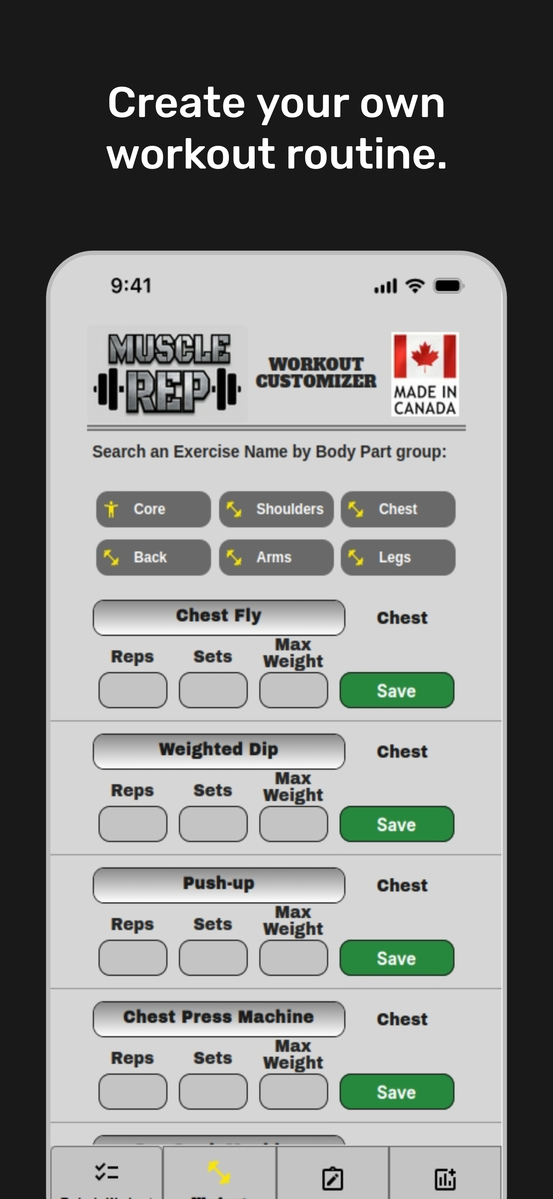
1. Create your gym session on the Customizer view:
- divided into 6 Body Part categories with lists of common exercises
- add your Reps, Sets, and Max Weight goal for each workout session, click Save
- suggestion # 1: set Max Weight to total lifted (multiply x2 for isolated left/right lifts)
- suggestion # 2: for 'no-weight lifted' exercises, set Max to 10% of your body weight
- to remove an exercise you no longer do, just save it as Max Weight = 0
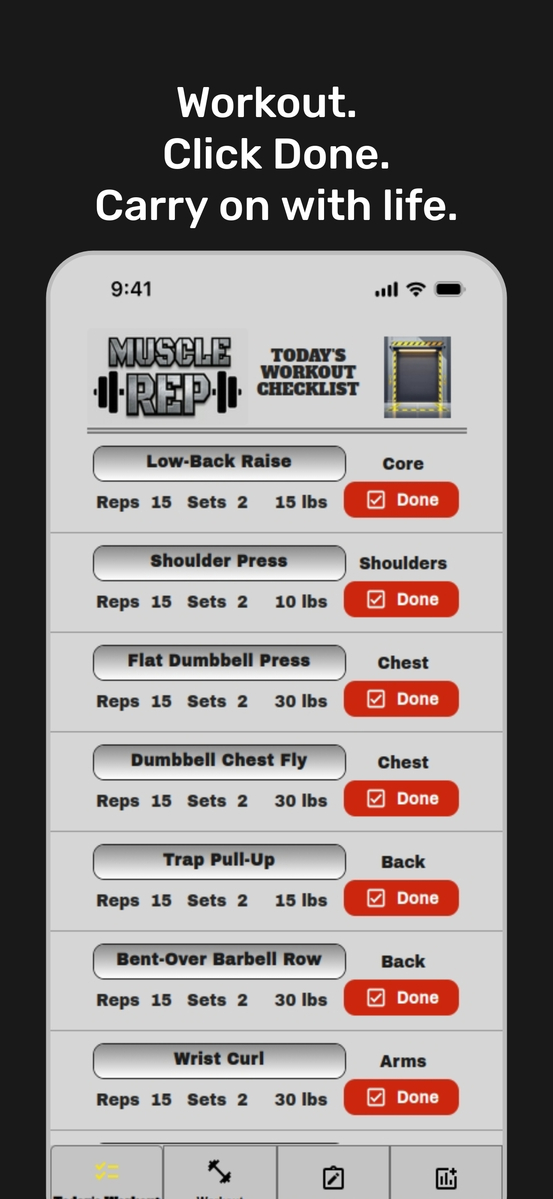
2. Hit the gym, and open the Checklist view:
- after you complete a workout routine, click Done
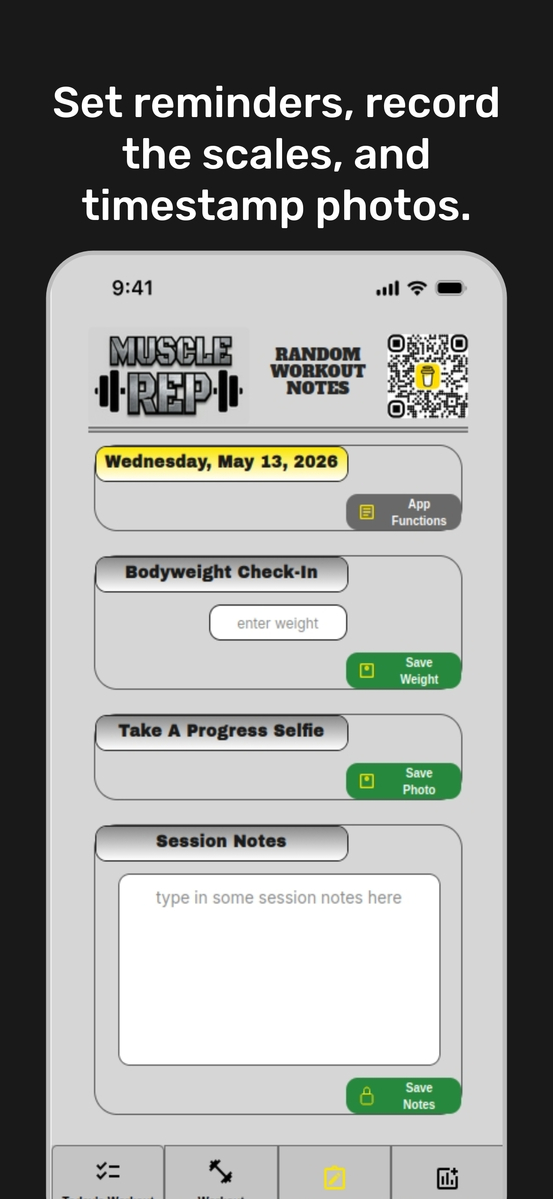
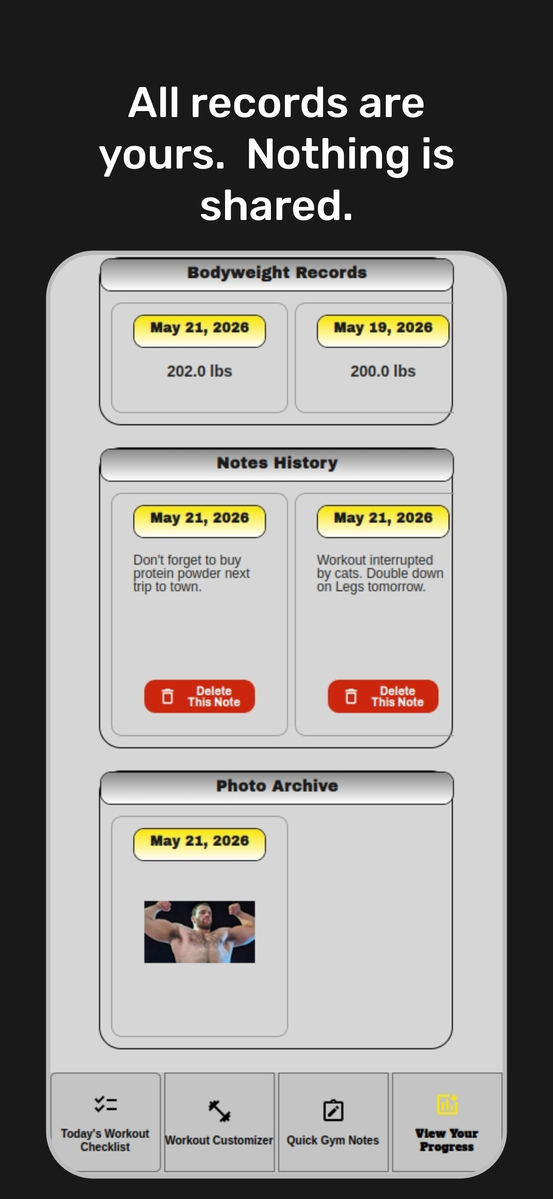
3. Log additional personal data in Notes:
- record & timestamp your current body weight
- take a muscle selfie to record your visual improvements (or weight loss) over time
- make notes and reminders during gym sessions
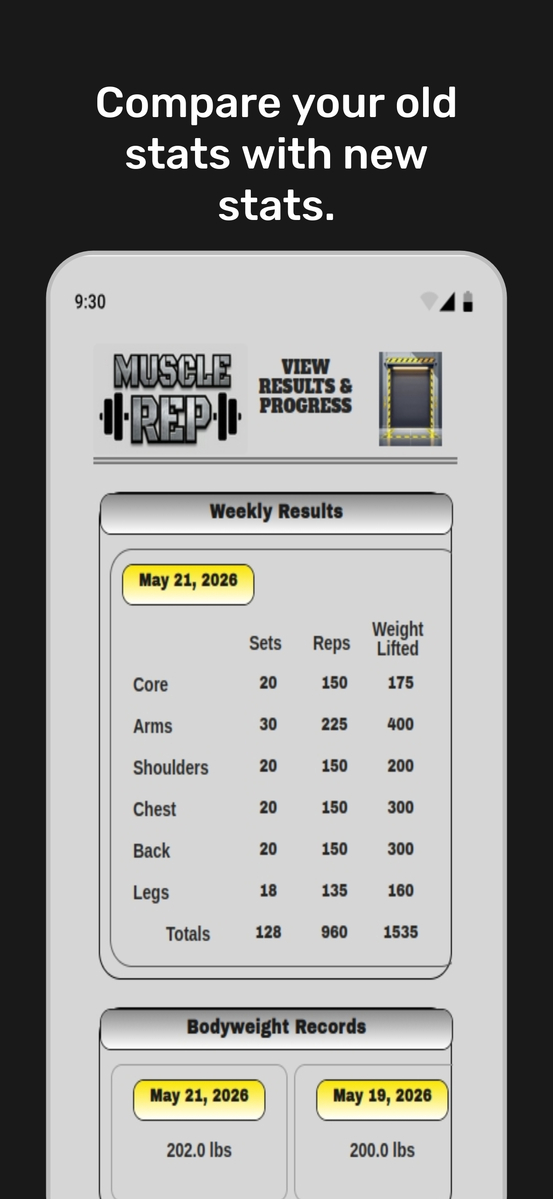
4. Analyze your entries over time in the Progress view:
- shows totals for the week
- more to come: advanced visuals in the works to add graphs and charts
5: Backroom Icon = Settings (top right of Checklist & Progress views):
- review the terms, conditions, and privacy of the app
- you have control to wipe all of your data if you want to remove app or start again
- your purchase will join you to the newsgroup for intermittent upgrade notifications
Most important! Your entries are designed to gather over one week. Choose a start day, and at the beginning of a new workout week don't forget to click on "Start New Week" at the bottom of your Checklist.